Why this combination matters
If your team is still keying vendor invoices into Dynamics 365 by hand, you already know where the pain shows up. It’s not just the typing. It’s the back-and-forth when totals don’t match, the delays when an invoice lands in someone’s inbox instead of the right workflow, and the awkward supplier calls asking why payment is late when the document has been sitting in a shared mailbox for three days.
Dynamics 365 gives you the finance and operations backbone. Document Intelligence gives you a way to read invoices automatically, pull out the useful fields, and hand that data off to the right process. Put them together, and you can turn a very manual accounts payable task into something more controlled, faster, and easier to audit.
A lot of teams don’t fully appreciate that at the start.
Because invoice automation isn’t only about speed. It also cuts down avoidable errors, keeps approvals from drifting, and gives your AP staff time back for the exceptions that actually need a person to step in. In my experience, the biggest win usually isn’t “we processed more invoices.” It’s “we stopped burning skilled people on copy-and-paste work.”
What “Document Intelligence” actually does in an invoice workflow
When people hear AI in finance, they sometimes picture a black box making accounting decisions on its own. That’s not what we’re talking about here.
With Microsoft’s document tools, the job is pretty down to earth: read the invoice, identify fields like vendor name, invoice number, PO number, invoice date, due date, line items, subtotal, tax, and total, and then pass that information into a business process. If you want a good primer on invoice processing with Azure AI, that’s the core idea.
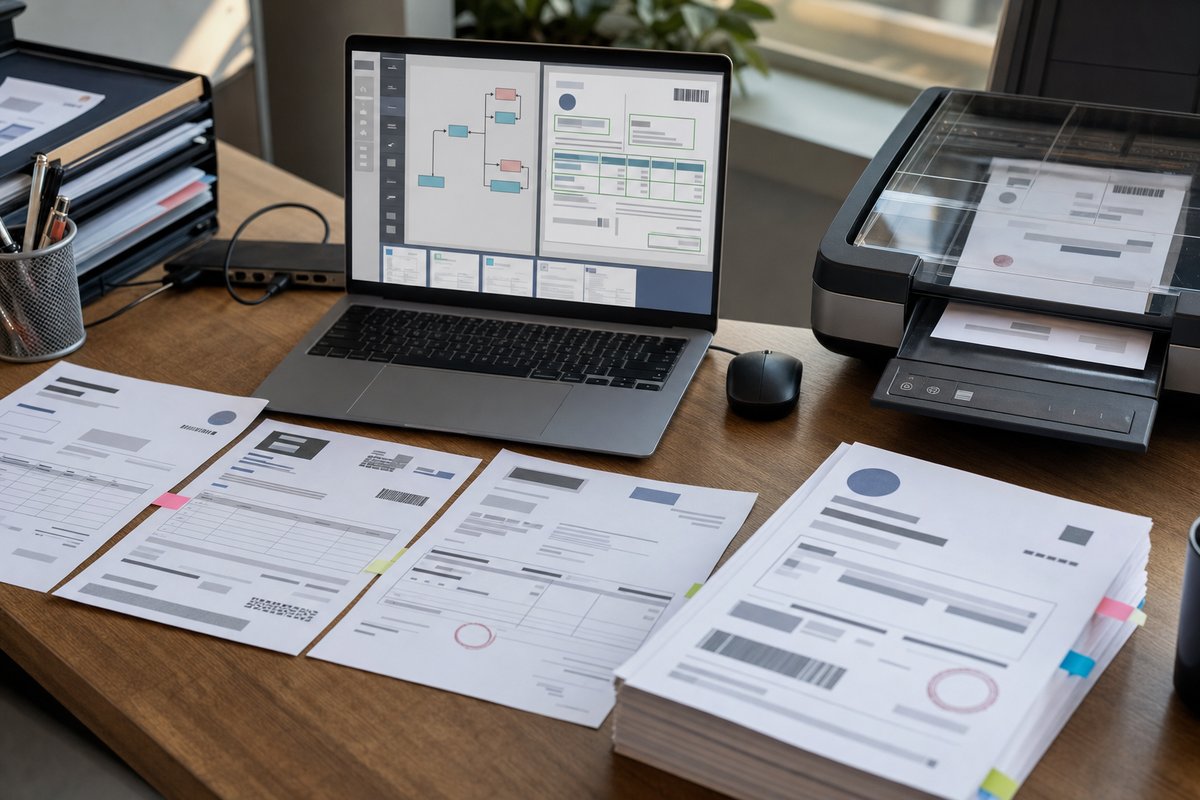
In a Dynamics 365 environment, that usually starts with however the invoice comes in. Maybe it hits a monitored mailbox. Maybe a vendor uploads it through a portal. Maybe someone drops a PDF into SharePoint. From there, Document Intelligence extracts the data, a workflow routes it, and Dynamics 365 validates, approves, and posts the transaction.
So no, the AI isn’t replacing your ERP. It’s more like the front desk clerk who opens the envelope, reads the paper, and sends it to the right desk.
Where manual AP breaks down
Most operations managers don’t need a sales pitch on why invoice entry is tedious. The more useful question is where the process actually breaks, because those weak spots should shape the automation design.
Invoices arrive in too many places
Some vendors email PDFs. Others send scanned images. Some still mail paper that gets scanned later. A few tack on supporting documents in the same thread—packing slips, statements, whatever else was handy. If your intake process isn’t centralized, automation gets messy fast.
That’s why the first step usually isn’t AI at all. It’s deciding where invoices should land and how they should be named, stored, and tracked.
Vendor formats are all over the place
One supplier puts the invoice number in the top right. Another buries it near the footer. One lists tax cleanly. Another folds charges into line items in a way that makes matching harder. Document extraction tools are good, but they still need a workflow that handles confidence thresholds and exceptions without falling apart.
Approvals happen outside the system
This is the sneaky one: even when data entry happens inside Dynamics 365, approval often drifts into email, Teams messages, hallway conversations, or sticky notes slapped onto a printed invoice.
That leaves you with no clean audit trail, no consistent turnaround time, and a lot of “I thought someone else approved that.”
Exceptions eat up the day
The invoices that break the process are usually the same ones that carry the most risk: duplicate invoices, amount mismatches, missing purchase orders, vendor name variations, and line items that don’t map neatly to what’s in the ERP. Automation should reduce those issues, but it won’t make them disappear. Your design has to assume exceptions are part of normal life.
How the end-to-end process usually works
A solid invoice automation flow between Document Intelligence and Dynamics 365 looks pretty clean on paper.
- Invoice arrives by email, scan, SharePoint upload, or vendor portal
- The file is stored in a controlled location, often SharePoint or Azure Blob Storage
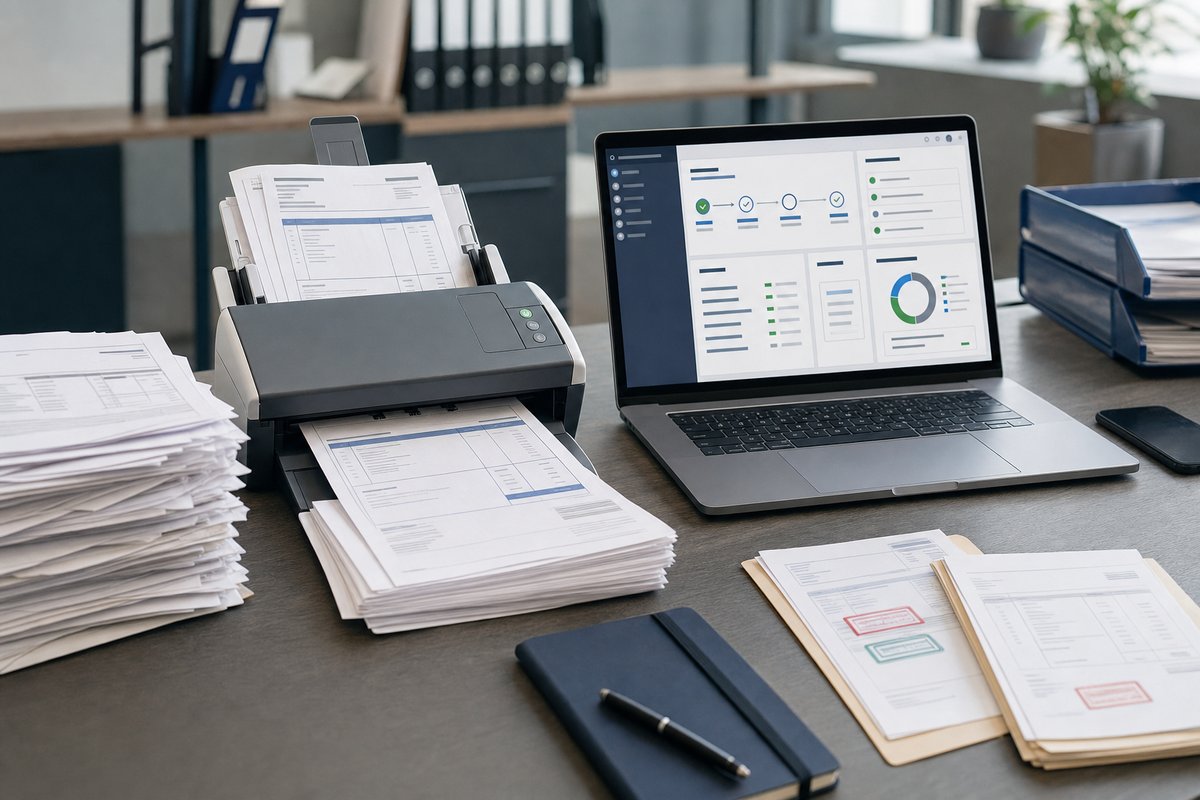
- Document Intelligence reads the invoice and extracts key fields
- Business rules check required values, confidence scores, duplicates, and PO references
- Power Automate or a custom integration sends validated data into Dynamics 365
- Approval routing happens based on amount, vendor, department, or exception type
- Approved invoices are posted for payment and archived with a searchable audit trail
That’s the happy path. The real payoff shows up when the document doesn’t fit it.
For example, if the vendor name is recognized but the PO number is missing, you might route the invoice to a buyer. If the total doesn’t match the PO, it may go to AP for review. If the confidence score is low because the scan quality is lousy, the flow can stop before bad data reaches Dynamics 365.
That’s the part teams often overlook: a good automation project is really an exception-handling project. The extraction model matters, sure. But the operational payoff comes from deciding what happens when data is incomplete, uncertain, or inconsistent.
Where Dynamics 365 fits best
Dynamics 365 is where many of your controls live. Vendor master data, purchase orders, approval rules, financial dimensions, posting logic, and payment processing often belong there. Document Intelligence shouldn’t bypass that structure. It should feed it.
If you’re using Dynamics 365 Finance, this can support invoice processing, vendor invoice workflows, and matching against purchase orders and receipts. If you’re in Business Central, the same basic idea applies, though the implementation details differ. Either way, your ERP remains the system of record.
It helps to think in layers. Document Intelligence reads the invoice. Power Platform or Azure integration services move and shape the data. Dynamics 365 validates and records the transaction.
When teams skip that architecture thinking, they usually end up with a brittle “AI demo” that extracts fields nicely but doesn’t really solve the AP problem. If you want the bigger picture, this guide to a document intelligence pipeline is a useful way to frame the moving parts.
Common implementation choices in the Microsoft stack
There isn’t just one right way to set this up, but most Microsoft-centered projects use some combination of Azure AI Document Intelligence, AI Builder, Power Automate, SharePoint, Teams, and Dynamics 365.
Option 1: Power Platform-heavy approach
This is often the fastest route for organizations already using Microsoft 365 and Power Platform. A flow watches an inbox or SharePoint library, sends the invoice to extraction, writes the results somewhere structured, and then pushes approved data into Dynamics 365.
It’s a practical choice when you want a solution your internal team can understand and support without a big custom development footprint. If your goal is to automate invoice processing quickly, this route makes a lot of sense.
Option 2: Azure AI-first approach
This tends to fit better when invoice volumes are higher, document variability is broader, or you need more control over orchestration, storage, and model behavior. Azure services can give you more flexibility, but they also ask more from your technical team.
That trade-off is worth being honest about. More flexibility usually means more design decisions, more testing, and more governance work.
Option 3: Hybrid setup
Honestly, this is where a lot of businesses land. They use Azure AI Document Intelligence for extraction, Power Automate for orchestration and approvals, SharePoint for document storage, and Dynamics 365 for posting and financial control. It’s a practical middle ground that avoids overbuilding and keeps the project manageable.
And if you’re trying to connect AI Builder to ERP tools without turning the project into a six-month integration exercise, a hybrid model can be a very sensible place to start.
What good invoice automation looks like in real life
Let’s make this concrete.
Say your AP team receives a large volume of invoices each week from vendors like Grainger, Staples, FedEx, and local service contractors. Some are PO-backed. Some are not. Today, an AP clerk opens each email, downloads the attachment, renames the file, enters the details into Dynamics 365, and emails the department manager if approval is needed.
Now picture a different setup: invoices sent to [email protected] automatically land in SharePoint. Document Intelligence reads each PDF and pulls the vendor name, invoice number, date, total, and PO number. Power Automate checks whether that invoice number already exists for that vendor in Dynamics 365. If it does, the flow flags a possible duplicate. If there’s a PO match and the amount is within tolerance, the invoice goes straight into the approval path or posting queue. If not, it’s routed to the right reviewer in Teams with the original document attached.
That’s not futuristic. It’s just a better process.
And notice what changed: not just the typing, but the control points too. Duplicate detection moved earlier. Approvals became more visible. Supporting documents stayed attached to the transaction. AP stopped acting like a manual switchboard.
What can go wrong if you rush it
Invoice automation projects usually fail for boring reasons, not exotic ones.
Bad source documents
Low-resolution scans, crooked images, handwritten notes, and password-protected PDFs can all cause extraction issues. You can’t automate around every bad input. Sometimes the answer is simply to set vendor submission standards and enforce them.
No exception workflow
If every invoice with a missing field just gets dumped into a generic folder, your “automation” turns into a backlog. Someone has to own exception queues, review SLAs, and escalation rules.
Weak vendor master data
If the same supplier appears in Dynamics 365 as “ABC Industrial,” “A.B.C. Industrial,” and “ABC Ind. LLC,” matching gets harder. One of the least glamorous but most useful things you can do before automation is clean up vendor records.
Too much focus on extraction accuracy
This one catches people off guard. Yes, extraction quality matters. But chasing perfect field capture can distract you from the bigger process wins. Even a very good extraction result won’t help much if approvals still happen off-system or if no one owns the exception process.
How to measure success without overcomplicating it
You don’t need a giant scorecard on day one. Start with a few measures that actually tell you whether the process is healthier.
- How long it takes from invoice receipt to posting
- How many invoices require manual review
- How many duplicate invoice attempts are caught
- How often approvals stall and where
- How easily AP can retrieve the invoice and approval history during an audit
Those metrics usually matter more than a vanity number about “AI accuracy” by itself. Finance leaders care about cycle time, control, visibility, and risk reduction. Your implementation should line up with that.
Why AP staff usually benefit more than they fear
There’s often an unspoken concern in these projects: if invoice entry gets automated, what happens to the AP team?
What I usually see is not fewer problems, but better use of people. Instead of spending hours entering clean, repetitive invoices, staff can focus on vendor disputes, mismatches, credit memos, payment timing, and policy exceptions. That’s where experience actually matters.
And from a hiring standpoint, that shift matters too. It’s hard to keep good finance staff in roles that are mostly repetitive data entry. Giving them tools that remove the dullest part of the job can improve consistency and reduce burnout at the same time.
How this connects to broader accounts payable modernization
Automating invoice capture is rarely the endpoint. Usually, it’s the first visible step in a bigger AP improvement effort.
Once your invoice data is entering Dynamics 365 in a cleaner, more consistent way, you can build on that foundation with improved approval routing, payment scheduling, exception dashboards, vendor self-service, and reporting across the invoice lifecycle. That’s where broader accounts payable automation starts to pay off.
There’s another angle some teams miss: invoice automation improves downstream analytics too. If header fields and line items are captured consistently, finance can analyze spend, exception patterns, late approval bottlenecks, and vendor behavior with a lot less cleanup. So the value isn’t limited to AP efficiency. It can make your reporting more trustworthy.
When it makes sense to start small
You do not need to automate every invoice type on day one.
A smarter place to start is usually one business unit, one invoice source, or one vendor group. Maybe you begin with PO-backed PDF invoices sent to a dedicated mailbox. That gives you a narrower set of variables, a quicker feedback loop, and a way to prove the process before expanding to non-PO invoices, image files, or more complex approval scenarios.
That staged approach is often easier on IT and operations alike. You’ll learn where your vendor data is messy, where confidence thresholds need tuning, and which approval paths create friction. Then you can improve before scaling.
Your next step if you’re evaluating this now
If you’re considering Dynamics 365 and Document Intelligence for vendor invoices, don’t start by asking which AI model is best. Start by mapping your current invoice path from receipt to posting, including every approval, exception, duplicate check, and handoff.
Then identify one high-volume, relatively predictable invoice stream and design a pilot around it. Decide where documents will be stored, what fields must be extracted, what should trigger manual review, and how Dynamics 365 will validate the data before posting.
If you do that first, the technology choices get a lot clearer. And if you want a practical place to continue, compare your current process against the approaches in our guides on invoice processing with Azure AI and automate invoice processing, then outline a pilot workflow your AP team can test with real invoices next week.