Why logistics teams feel the pain of document handling first
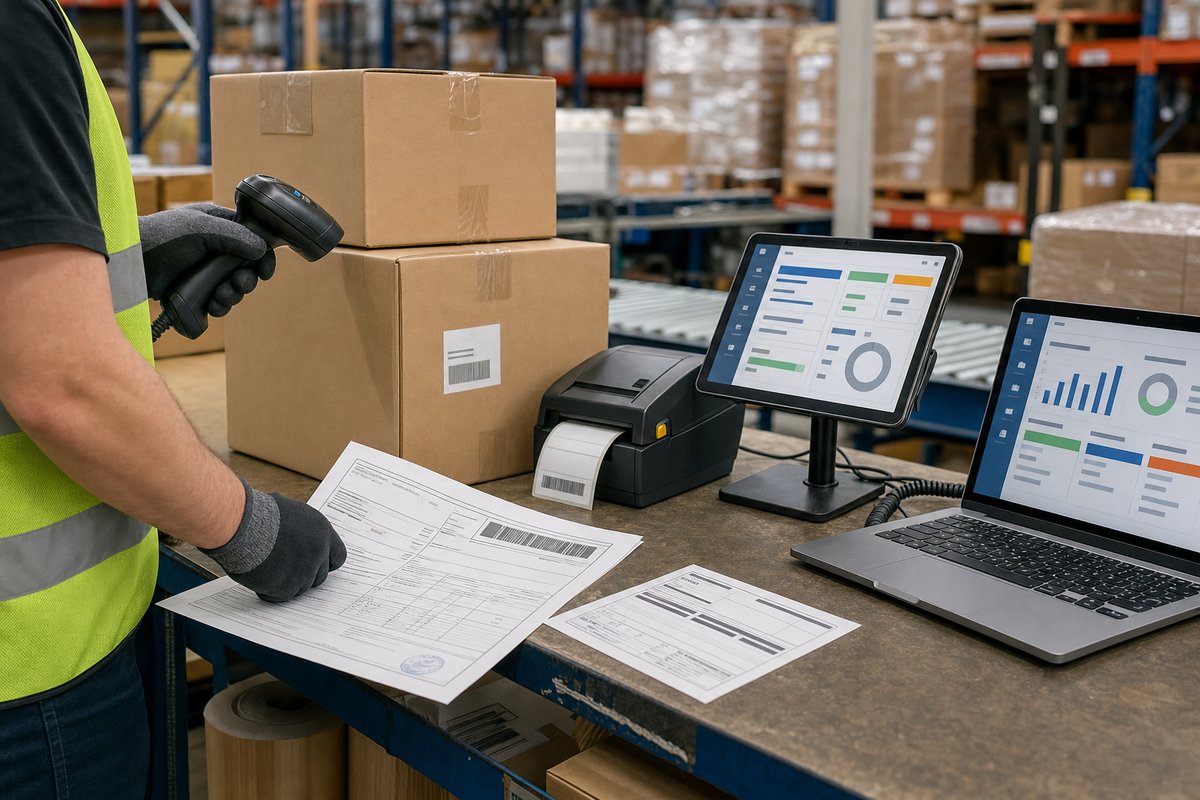
If you work in shipping, warehousing, freight, or distribution, you already know this: a lot of your operation still runs on documents that were never designed for speed. Bills of lading come in from carriers. Packing slips arrive with inbound shipments. Someone on your team opens PDFs, scans emails, checks line items, and rekeys the data into an ERP, WMS, TMS, or a SharePoint list.
That process works—right up until volume spikes, someone’s out sick, or one ugly document kicks off a string of mistakes.
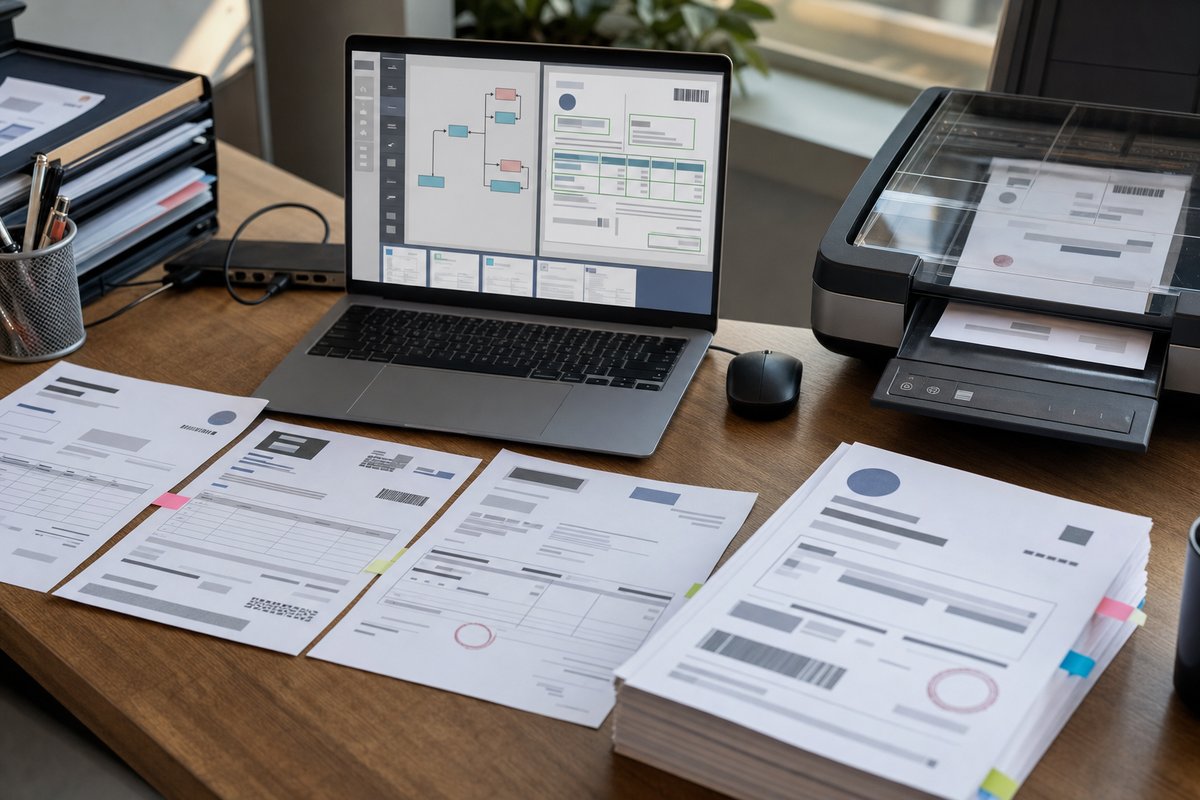
Document automation helps by taking repeatable document work off your team’s plate. Instead of treating every bill of lading or packing slip like its own special case, you set up a system that reads the document, extracts the fields you care about, routes exceptions to a reviewer, and pushes clean data into the right downstream system.
Logistics is one of the best places to do this because the payoff shows up fast. A missed pallet count, a wrong SKU, or an unread arrival date doesn’t just sit there on paper. It ripples into receiving, inventory, customer updates, and sometimes invoicing too.
Why bills of lading and packing slips are good automation candidates
Not every document is worth automating first. Bills of lading and packing slips usually are. They hit a useful middle ground: common, operationally important, and structured enough that AI-based extraction can do real work without turning into a science project.
A bill of lading typically includes names and addresses, shipper and consignee details, reference numbers, freight terms, carrier information, shipment dates, item descriptions, weights, and piece counts. A packing slip usually contains order numbers, item lists, quantities, product descriptions, and sometimes lot or batch details.
These aren’t random notes on the back of a clipboard. They’re business documents with recurring patterns, even when carriers, suppliers, or 3PL partners all have their own formatting quirks.
So if you’ve been trying to decide where to start, these are often among the best document types to automate first, especially if your team is still burning hours every week on manual entry and validation.
What automation actually looks like in a logistics workflow
Let’s make this real.
Say your receiving team gets emailed packing slips from ten suppliers every morning. Some are PDFs generated from Oracle NetSuite or SAP. Others are scans from a warehouse printer that’s seen better days. Today, a coordinator downloads each file, opens it, finds the PO number, checks item quantities, and enters the data into Dynamics 365 Business Central, Microsoft Lists, or another internal system.
With automation, the flow looks different.
The document lands in an inbox, SharePoint library, Teams-connected folder, or Azure Blob Storage container. An extraction model reads it. Key fields—such as supplier name, PO number, ship date, line items, and quantities—are pulled out. Business rules compare the extracted values to what’s expected in your system. If everything checks out, the document is processed automatically. If not, it gets kicked to a reviewer.
That’s the basic shape of a document intelligence pipeline. In the Microsoft stack, that often means Azure AI Document Intelligence, Power Automate, SharePoint, and Dataverse—sometimes Dynamics 365 too, depending on where the data needs to land.
The fields most teams want from bills of lading
When we talk with operations and IT teams, they usually don’t want “everything” from a bill of lading. They want the fields that actually move work forward and cut down downstream confusion.
That usually includes:
- BOL number
- Shipper name and address
- Consignee or delivery location
- Carrier name
- Pickup or shipment date
- Purchase order or reference number
- Freight terms
- Number of pallets, cartons, or pieces
- Total weight
- Item descriptions
- Special instructions or handling notes
The hard part isn’t only extracting those fields. It’s deciding which ones matter enough to validate before the shipment moves to the next step.
For example, a slightly inconsistent carrier name may not block receiving. A missing PO number or a pallet count that doesn’t match the expected inbound record probably should.
What teams usually need from packing slips
Packing slips can be even more useful than people expect because they often tie directly to receiving accuracy.
Common fields include:
- Supplier or sender name
- Packing slip number
- Purchase order number
- Order date or ship date
- Item numbers or SKUs
- Product descriptions
- Quantities shipped
- Units of measure
- Lot, batch, or serial information when present
- Backorder or partial shipment notes
If your team is matching packing slips against POs or receipts, this is where automation saves real time. Instead of having someone scan every line by eye, you can pre-fill the data and ask for human attention only when there’s a mismatch.
And that matters more than a lot of teams realize. The real cost isn’t just the minutes spent typing. It’s the knock-on effect when bad receiving data creates inventory discrepancies that show up days later in customer service, replenishment, or finance.
Where Microsoft tools fit without turning this into a giant IT project
One reason logistics document automation is more practical now is that you don’t have to build the whole thing from scratch.
If you’re already using Microsoft 365 or Azure, the pieces will probably look familiar. Azure AI Document Intelligence can extract fields from many structured and semi-structured documents. Power Automate can monitor an inbox or SharePoint folder and move files through the process. Dataverse or SQL can store extracted data. Power Apps can give your team a simple screen for validation. Teams can surface alerts when something needs attention.
Setup still isn’t trivial. You need to define your document set, mapping rules, exception paths, and system integrations. But that’s a very different conversation from “we need a custom OCR platform.”
If your team is still early in this space, it helps to align on what document extraction means before jumping into tools. Reading text off a page isn’t the win. Getting usable, trustworthy data into the workflow your team already relies on—that’s the win.
What makes logistics documents harder than they look
Here’s the part people tend to underestimate: bills of lading and packing slips look standardized until you collect a few hundred of them.
Then the real-world mess shows up.
One carrier uses “Consignee.” Another uses “Deliver To.” One supplier sends crystal-clear PDFs. Another sends crooked phone photos from a dock office. Some documents list line items in a neat table. Others wrap descriptions across multiple rows. Some include handwritten notes, stamps, or signatures right over the data you need.
That’s why a good automation project doesn’t assume 100 percent straight-through processing on day one. It plans for variation.
And honestly, that’s not a weakness. That’s just the job. The best systems automate the clean majority and route the messy edge cases to the right person without bogging everyone else down.
The case for a review step, even when the AI is good
Many teams hear “automation” and assume the goal is fully hands-off processing. Sometimes that’s realistic. A lot of the time, it isn’t.
A better target is a human-in-the-loop model. Let the system handle extraction, classification, and validation for straightforward documents. Then send uncertain cases, low-confidence fields, or business-rule mismatches to a person who can fix them quickly.
That’s where a human-in-the-loop review queue becomes essential. You’re not asking staff to review every field on every document. You’re asking them to focus on the exceptions that actually need judgment.
For logistics teams, that might mean reviewing:
- Missing or unreadable PO numbers
- Quantity mismatches between the document and the expected receipt
- Carrier documents with poor scan quality
- New supplier formats the model hasn’t seen before
- Line items where confidence is too low to post automatically
This approach usually gets buy-in faster too. Operations leaders are more comfortable when they know the system has guardrails, and IT leaders are more comfortable when they aren’t out there promising magic.
Accuracy matters, but the right metric depends on your process
One of the first questions you’ll get from leadership is, “How accurate is it?” Fair question. But the answer usually isn’t one big score.
In logistics, some fields matter more than others. If the system misses a shipper phone number, that may be annoying but manageable. If it misreads a PO number or flips a quantity from 18 to 13, that’s a much bigger problem.
So you need to measure extraction accuracy at the field level and at the workflow level. Field-level metrics tell you how often key values are extracted correctly. Workflow-level metrics tell you how often a document can move through the process without manual correction.
That second metric gets missed all the time.
You can have decent extraction performance and still frustrate users if your exception flow is clunky. On the other hand, a system with imperfect extraction can still create strong business value if it catches uncertainty early and makes review faster.
The overlooked benefit: better supplier and carrier conversations
Here’s an angle a lot of teams don’t think about at first. Document automation doesn’t just clean up your internal process. It gives you a clearer picture of which external partners create the most friction.
Once you’re tracking exceptions, patterns start to pop. Maybe one supplier consistently sends packing slips with missing PO numbers. Maybe one carrier’s scanned BOLs are so rough they create repeated review work. Maybe certain locations generate more mismatch issues than others.
That’s useful operationally, but it also helps politically. Instead of telling a supplier, “Your paperwork is causing delays,” you can point to recurring exception categories and ask for a cleaner format, a better PDF export, or a standardized template.
Sometimes the fastest automation win isn’t a better model. It’s a better document source.
How to start without boiling the ocean
If you’re evaluating this now, don’t start with every logistics document in the business. Start with one or two high-volume workflows where the manual effort is obvious and the document formats are reasonably repeatable.
A practical first phase often looks like this:
- Pick one document type: bills of lading or packing slips
- Choose a limited source set, such as your top five suppliers or one carrier group
- Define the 5–10 fields that matter most
- Map where those values need to go
- Set business rules for what can pass automatically and what needs review
- Track exception reasons from day one
That scope is small enough to manage but big enough to show real value.
And if you’re in a Microsoft environment, you can usually stand up a pilot without disrupting your core ERP or WMS. We’ve seen teams start with SharePoint, Power Automate, and a validation layer before deciding how deeply they want to integrate with Dynamics 365, SAP, or another system.
Common mistakes that slow projects down
The biggest mistake is trying to automate a broken process exactly as it is. If your current receiving workflow depends on undocumented tribal knowledge, the AI won’t fix that. You still need clear rules.
Another common problem is asking for too many fields too early. It’s tempting to capture every possible detail on the document, especially when IT gets involved and wants to “future-proof” the design. But more fields usually means more edge cases, more validation, and a slower rollout.
I’d also watch out for overcommitting on straight-through processing. Leadership loves the idea of zero-touch automation. But in logistics, documents come from too many outside parties to assume perfect consistency. A controlled exception path is usually a sign of mature design, not failure.
And one more thing: don’t treat line-item extraction as an afterthought. Header fields are easier. Line items are where a lot of receiving and reconciliation processes either get real value or fall apart.
What success looks like after rollout
Success usually doesn’t mean your team never touches a bill of lading again. It means the work changes.
Instead of spending mornings typing from PDFs, your team spends a few minutes reviewing exceptions. Instead of discovering quantity mismatches later, you catch them during intake. Instead of digging through email attachments for shipment details, you have searchable data tied to the document and the transaction.
That shift can improve cycle time, but it also reduces stress. For operations managers, that matters. Manual document work creates this low-grade daily friction that people stop mentioning because it feels normal. Once it’s reduced, teams feel the difference pretty quickly.
For IT decision-makers, success also means you’ve built something reusable. The same pattern you use for bills of lading and packing slips can often extend to proof of delivery, invoices, customs paperwork, or receiving forms later.
Your best next step
If this sounds promising, don’t start by shopping tools. Start by pulling a real sample set.
Grab a substantial batch of recent bills of lading or packing slips from the sources that create the most work for your team. Mark the fields you actually need, note where errors happen, and identify which exceptions truly require human judgment. That exercise alone tells you a lot about scope, complexity, and likely payoff.
From there, map a small pilot around one workflow, one document type, and one review path. That’s usually the fastest way to prove whether document automation for logistics will save your team time without creating a bunch of new headaches.